Choose how to play
DOS game
Full emulation with save states, cheats, netplay and gamepad.
- Save states & cheats
- Netplay & gamepad
- Best on a strong computer
Light and fast, great on phones and weaker computers.
- Fast loading, low memory
- Great on phones & tablets
- Multiplayer: network + IPX
You can change your choice on every page refresh.
 Street Fighter
 Wild West C.O.W.
 Spin Master
 Mickeys Wild Adventure
 PacMania
 Streets Of Rage 3
 Rygar
Rygar Cadillacs and Dinosaurs
 Flashback (PC)
 Captain Claw
 Joe and Mac Caveman Ninja
 Blade Master
 Magician Lord
 Another World
 Dave Dangerous 1
 Splatter House
 Harald HardTooth Agent of Colgate
 Bruce Lee
 Bumpy
Bumpy Terminator 2 Judgment Day
 Super Mario Flash
 Catacomb
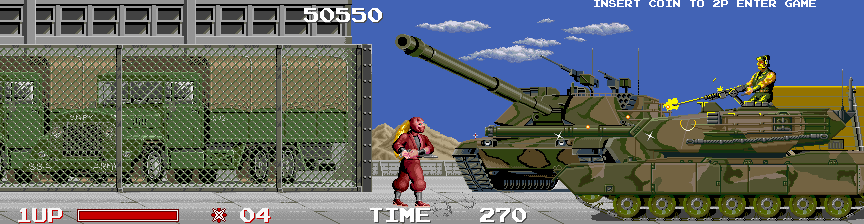 The Ninja Warriors
 Gun Mayhem 3: Redux
 Terminator 2
 Hobo 7: Heaven
 Fighting Force 1
 Battle City
 The Gladiator
 Flicky
 Fireboy and Watergirl 5
 Ghosts’n Goblins
 Shinobi
 Chrono Trigger
 Walker
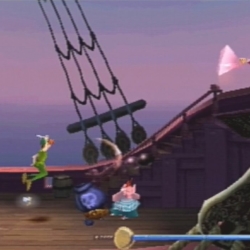 Peter Pan Return to Neverland
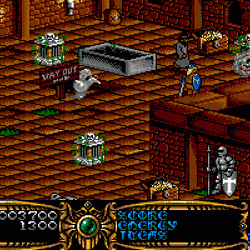 Gauntlet 3
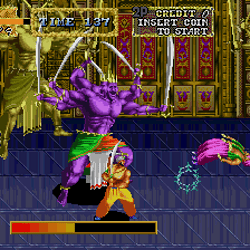 Arabian Magic
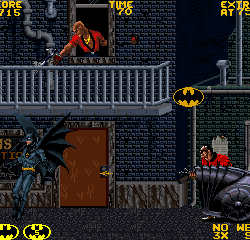 Batman
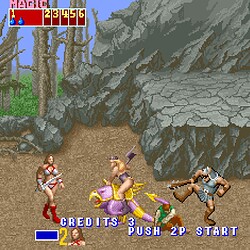 Golden Axe 1
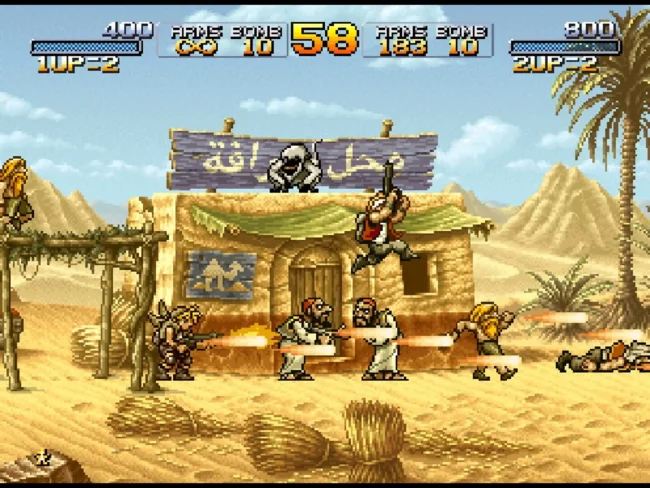 Metal Slug 2
 Squirrel King
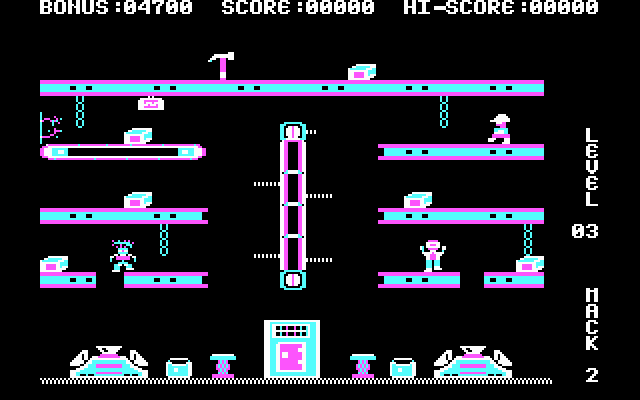 Hard Hat Mack
 Hugo 1 (Hebrew Dubbed)
 Karateka Atari-ST EN
 Pacman HTML5
 The Peace Keepers
 Marble Madness
 Ruff N Tumble
 Agony
Agony Hobo 2: Prison Brawl
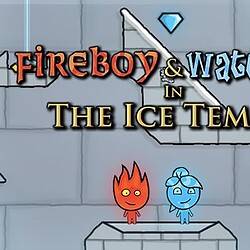 Fireboy and Watergirl 3
 Oriental Legend
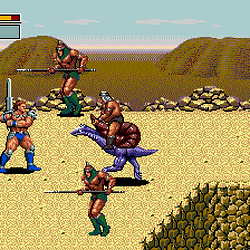 Golden Axe III
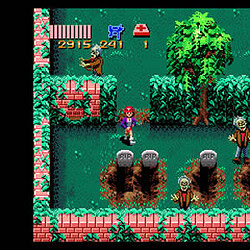 Zombies Ate My Neighbors
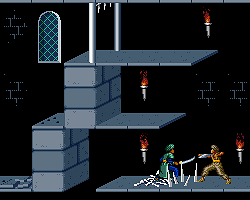 Prince of Persia Special Edition
 Batman (console)
 Golden Axe II
 Hook (Peter Pan)
 Commander Keen 7
About Blackthrone (PC)
- Platform
- MS-DOS
- Category
- Action, Platformer
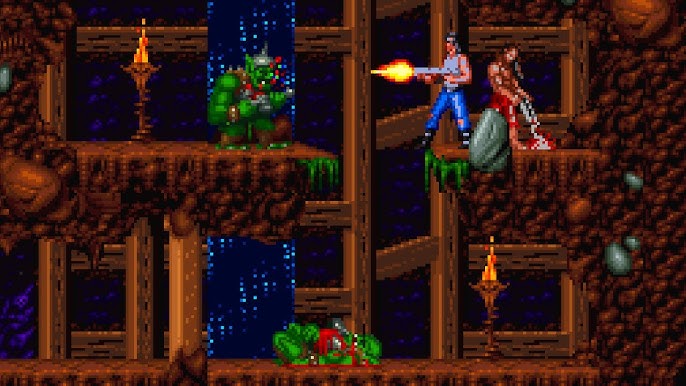
Blackthorne is set on the planet Tuul, which has existed for centuries without human knowledge. All of this time, Tuul’s people have been ruled over by a single shaman who ‘was blessed with all knowledge’. Years before the game begins, Thoros, the latest ruler, finds it near impossible to choose between his two sons as the next ruler. Believing it will solve the dilemma, he leads them to the deserts and kills himself. His body becomes two stones, light and dark, and he gives one to each boy to rule their own kingdoms respectively. The people of the lightstone form the kingdom of Androth, and the people of the darkstone form Ka’dra’suul. But while Androth respects their stone, Ka’dra’suul reject theirs, and are eventually transformed into monsters by it. In this time, a ka’dra named Sarlac seizes power. He forms an army and leads them against Androth.
Knowing of his people’s doom, the ruler of Androth, King Vlaros, with the aid of the Androthi magician Galadril, sends his son Kyle to Earth to save his life. Vlaros also gives Kyle the lightstone for safe keeping. He wishes that Kyle can one day return and use it to save their people.
20 years later, Kyle has become a renowned military captain and mercenary. After breaking out of prison facing court martial, Kyle begins having strange dreams, and is eventually confronted by Galadril. He is told that it is time to return to Tuul and save his people. The game begins here with Kyle setting out to kill Sarlac and reclaim his throne.
The game focuses around protagonist Kyle Vlaros who is known as the Blackthorne, out for revenge on Sarlac and his minions. The gameplay involves large platforming sequences, in which Kyle can run and climb around the environment, find keys and items and progress to the end of each maze like level. Combat in Blackthorne takes the form of gunfights. Both Blackthorne and his enemies can press against walls to avoid incoming bullets. Blackthorne can also fire blindly behind himself.
The game has seventeen levels within four areas – the mines of Androth, the Karrellian forests/swamps, the Wasteland desert, and Shadow keep. The Sega 32X version includes a fifth area, the snowy mountains, which is not found in the other versions of the game. As the game progresses through these areas, Kyle becomes stronger and better armed, but so do the enemies.
During the game, Kyle uses a pump action shotgun as his primary weapon. As the game progresses, Androthi allies will help him upgrade the weapon, increasing its speed and power.
Arrows to move, spacebar or F to shoot, S to insert or remove weapons, E to throw bombs, D to run, F to jump. To climb the various cliffs using the up key, you will need to insert the weapon by pressing the S key. To run, you will need to press the D key and one of the arrows to the sides, while again making sure that the weapon is placed behind your back. To jump, you will need to press the F key and one of the arrows to the sides, while again making sure that the weapon is placed behind your back.
How to play
Arrows to move, spacebar or F to shoot, S to insert or remove weapons, E to throw bombs, D to run, F to jump. To climb the various cliffs using the up key, you will need to insert the weapon by pressing the S key. To run, you will need to press the D key and one of the arrows to the sides, while again making sure that the weapon is placed behind your back. To jump, you will need to press the F key and one of the arrows to the sides, while again making sure that the weapon is placed behind your back.
Blackthrone (PC) – questions & answers
How can I play Blackthrone (PC) online?
What are the controls of Blackthrone (PC)?
Can I save my progress in Blackthrone (PC)?
Which games are similar to Blackthrone (PC)?
Blackthrone (PC) – walkthrough & hints
More walkthroughs, guides and cheats for Blackthrone (PC) on GameFAQs
Players' tips
No tips yet – be the first to help other players.
Add a tip
Related games
 Commander Keen 3.5
 Beauty and the BeastRuff N Tumble
 Commander Keen 3
 FoxyLand 1
 Wonder Boy 2Street FighterWild West C.O.W.Spin MasterMickeys Wild Adventure
 PacManiaStreets Of Rage 3RygarCadillacs and DinosaursFlashback (PC)Captain ClawJoe and Mac Caveman NinjaBlade MasterMagician Lord
 Another WorldDave Dangerous 1Splatter HouseHarald HardTooth Agent of ColgateBruce LeeBumpyTerminator 2 Judgment DaySuper Mario FlashCatacomb
 The Ninja WarriorsGun Mayhem 3: Redux
Write a comment