

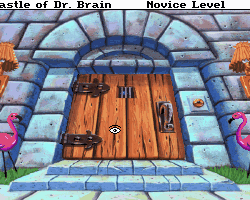
 Castle Dr. Brain
 Fatty Bear’s Birthday Suprise
 Bonus (Hebrew)
 Hanukkah Singing Candles
 The Island of Dr. Brain
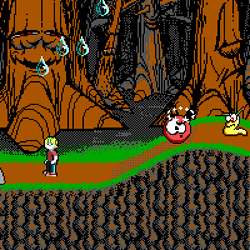 Commander Keen 4
 Lion King 1
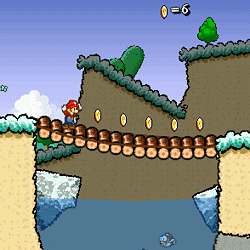 Super Mario 63
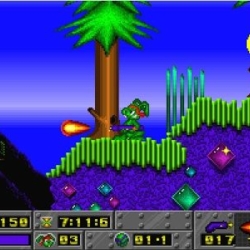 Jazz Jack Rabbit 1
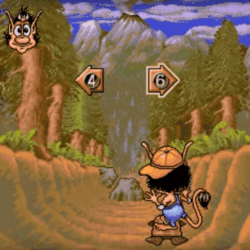 Hugo 1 (Hebrew Dubbed)
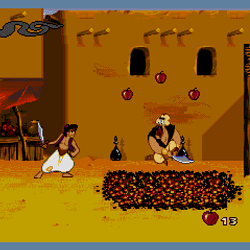 Aladdin 1
 Street Fighter Alpha 2
 Tekken 3
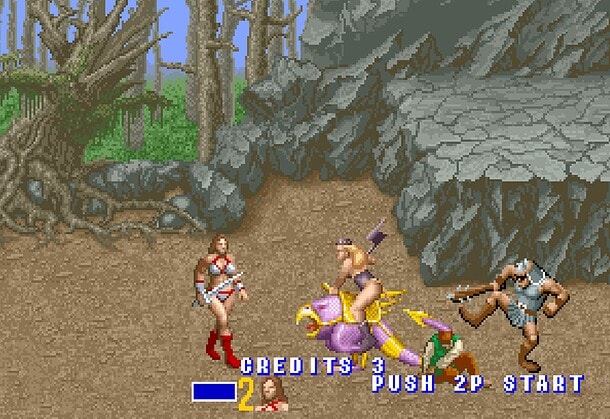 Golden Axe 1
 Karateka
 Golden Axe
 The Simpsons
 Teenage Mutant Ninja Turtles 1
 Fly Girl
 Ultimate Mortal Kombat 3
 WWF: Wrestlemania
 Hercules
 Spider Man
 Aladdin 1
 Final Fight 1
 Tarzan
 Mad Dog Mcree 1
 Falafel King
 Dad n Me
 Street Hoop
 Swords and Sandals 2
 Indiana Jones Trilogy
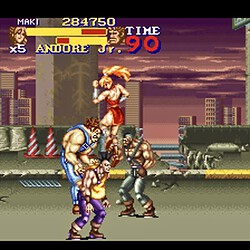 Final Fight 2
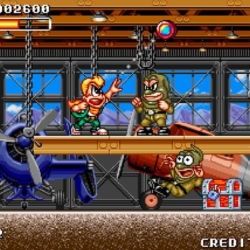 Spin Master
 Dave Dangerous 1
 Super Side Kick 4
 Slide a Lama
 Zoopaloola
 Digger
 Strike Force Heroes 1
 Hit Nasrallah
 Fish Tales 1 Deluxe
 Fish Tales 2
 Sensible Soccer
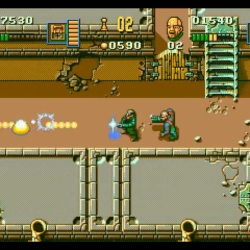 Chaos Engine (Sega Ver)
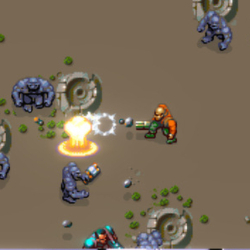 Chaos Engine (Amiga Ver)
 Zombotron 1
 Disney Princess
 Peter Pan Return to Neverland
 Mortal Kombat 3
 Venom and Spider Man
 Desert Strike
 Spider Man and Venom
 Icy Tower
 Dangerous Dave 2
 Mickeys Wild Adventure
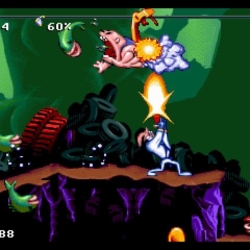 Earthworm Jim 1
 Mortal Kombat 1
About Prismo Coloring
- Platform
- HTML5
- Release year
- 2024
- Developer
- illusivegames
- Publisher
- Poki
- Players
- 1
- Category
- Kids & Educational, Coloring & Drawing
Prismo Coloring is a coloring game where you can express your imagination and creativity freely! Choose from a vast array of paintings, from cats and dogs to dinosaurs and cars, and let your creativity flow. You can draw with any color you prefer. The game offers hundreds of paintings, and your creative works are conveniently collected in the game for easy access. Dive into the painting book, and you will never get bored!
How to play Prismo Coloring?
Click to choose the painting and the brush you like; click and drag to paint.
Who created Prismo Coloring?
Prismo Coloring is created by Illusivegames. This is their first game!
How can I play Prismo Coloring for free?
You can play Prismo Coloring for free on MiniGames.Pro.
Can I play Prismo Coloring on mobile devices and desktop?
Prismo Coloring can be played on your computer and mobile devices like phones and tablets.
Prismo Coloring – questions & answers
How many coloring pictures are available in Prismo Coloring?
What types of images can players color in Prismo Coloring?
Are there any levels or a specific goal in Prismo Coloring?
Can players change colors after they've been applied?
What are some tips for coloring in Prismo Coloring?
How can I play Prismo Coloring online?
What are the controls of Prismo Coloring?
Which games are similar to Prismo Coloring?
Walkthroughs, guides and cheats for Prismo Coloring on GameFAQs
Related games
 NewBubble Pop Frenzy
 NewPapa’s Bakeria
 NewPapa Louie 2
 NewPapa Louie Night Hunt 3
 NewMad Dentist
 NewMaze: Path of Light
 Pour the Fish
 NewPapa’s Pastaria
 NewPapa Louie 3
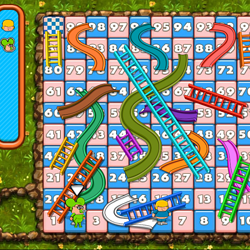 NewSnakes and Ladders (CBC)
 NewPapa’s Hot Doggeria
 NewCut the Rope
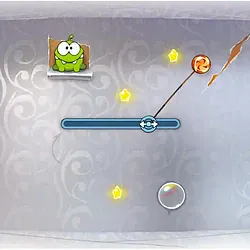 NewCut the Rope DXCastle Dr. BrainFatty Bear’s Birthday SupriseBonus (Hebrew)Hanukkah Singing Candles
 The Island of Dr. Brain
Write a comment