
 NewGeometry Dash Subzero
 Super Mario 63
 NewGeometry Dash Mr Dubstep
 Red Ball 3
 Red Ball 2 The King
 NewGeometry Dash Scratch
 Dyna Boy
 NewGeometry Dash Meltdown
 Wheely 2
 NewGeometry Dash Breeze
 Wheely
 Red Ball 1
 Cover Orange
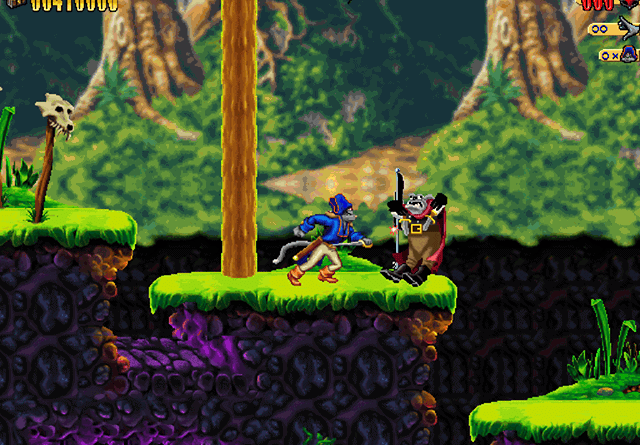 Captain Claw
 Cover Orange 2
 Truck loader 3
 NewGeometry Dash World
 Kaboomz 3
 Kaboomz 4
 Marble Run
 Wheely 7 detective
 Super Mario 63 HD Redux
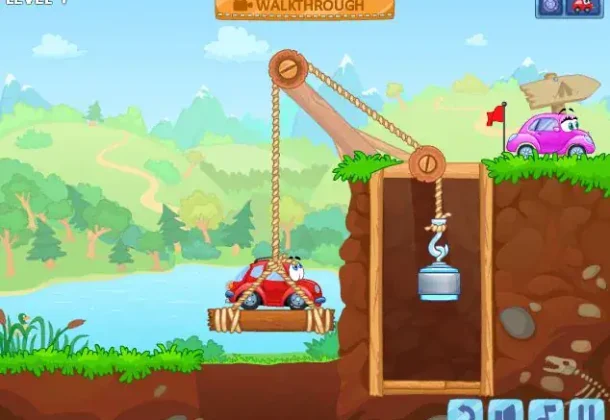 Wheely 8 Aliens
 Deadly Parkour
 Kaboomz 2
 Wheely 6 Fairytale
 Intrusion
 Strike Force Kitty 2
 Fireboy and Watergirl 3
 Fireboy and Watergirl 5
 Fireboy Watergirl 1
 Wheely 5 Armageddon
 Bouncing Babies
 Truck Loader 1
 Super Mario Flash
 Money Movers 2
 Wheely 4 Travel
 NewSticker Album
 NewArkandian Legends 3
 Action SuperCross
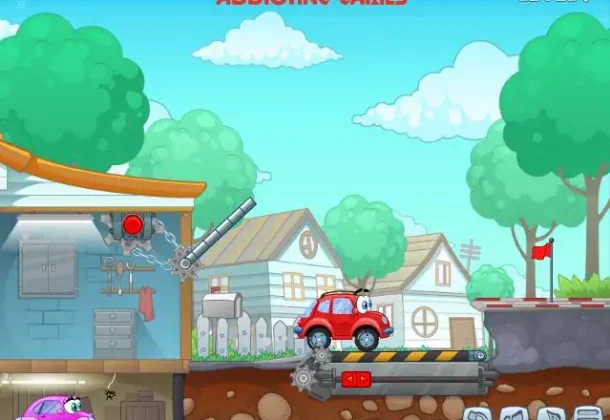 Wheely 3
 Doodle Jump
 NewGeometry Dash Remastered
 NewDuck Life Battle
 Strike Force Kitty 1
 Air Hockey HTML5
 Angry Birds Rio
 Truck Loader 2
 Teenage Mutant Ninja Turtles
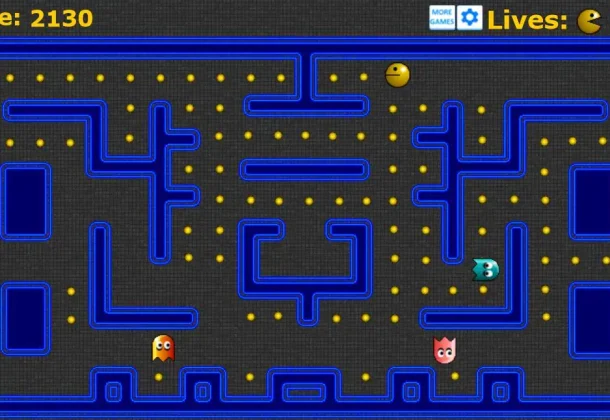 Pacman HTML5
 FoxyLand 2
 Mario and Luigi
 Rogue Soul
 Pre Historik 2
 NewSuper Smash Flash 2
 NewStrikeForce Kitty
 Fancy Pants Adventure
 Headless Zombie 2
 Bob the Robber 2
 Basketball Superstars
Geometry Jump
- Released:
- November 2026
- Technology:
- HTML5
- Platforms:
- Browser (desktop, mobile)
- Developer:
- Frank Force
- Players:
- 1
- Age:
- 7+
- Controls:
- Mouse / tap only
About Geometry Jump
Geometry Jump is a lightweight browser-based platformer in the GD tradition: a geometric
character auto-scrolls forward and you tap or click to jump over obstacles. Unlike the
full Geometry Dash client, it does not include ship sections, portals, or multiple game
forms. The entire game is cube-only — making it one of the most accessible entry points
into the style for players who are not yet ready for the form-switching complexity of the
main game.
Levels are shorter than in RobTop’s standalones and difficulty stays in the Easy-Normal
range, with a spike in challenge in later stages. There is no official affiliation with
RobTop Games — this is a fan-made web game.
Controls & Differences from GD
Controls
- Space / Click / Tap: Jump
- No hold mechanic — this game uses single taps only
- Arrow keys may navigate menus depending on the version
Geometry Jump was added in 2D Platformer games.
Geometry Jump – questions & answers
How many levels are in Geometry Jump?
What are some tips for mastering jumps in Geometry Jump?
Are there any secret coins in Geometry Jump?
What is a common mistake players make when jumping, and how can it be fixed?
Who is Frank Force, the developer of Geometry Jump?
What was the original name of Geometry Dash?
How can I play Geometry Jump online?
What are the controls of Geometry Jump?
Which games are similar to Geometry Jump?
Walkthroughs, guides and cheats for Geometry Jump on GameFAQs
Related games
 NewGeometry Dash SubzeroNewGeometry Dash ScratchNewGeometry Dash Mr DubstepNewGeometry Dash RemasteredNewGeometry Dash WorldNewGeometry Dash Meltdownסופר מריו 63כדור אדום 3
 כדור אדום 2 המלךילד הדינמיטווילי 2NewGeometry Dash Breezeווילי 1כדור אדום 1
 NewShards
 NewPudding Monsters
 Pacman HTML5
 B.C. Kid
 Hyperplex 3D
 Bumpy
 Penguin Diner 2
 NewSonic Fly
 NewKids FriendlyFamily Simulator Beach Games
 NewTwin Shot 2
 Hard Hat Mack
 Cosmos Cosmic Adventure
 Bamba 1 (Hebrew)
 NewTwerk: Eat & Run
 Adventure Island 1
 Krypton Egg
 Baby Jo In ”Going Home”
 Fireboy and Watergirl 2
 Mega Twins
 Fury Of The Furries
 Angry Birds 1 (HTML5)
 Baby Pac-Man
 NewTwin Shot
 Metal Slug 3
Write a comment