 NewGeometry Dash Meltdown
 NewGeometry Dash Mr Dubstep
 NewGeometry Dash Remastered
 NewGeometry Dash Scratch
 NewGeometry Dash Subzero
 NewGeometry Dash World
 NewGeometry Jump
 Marble Run
 Red Ball 1
 Red Ball 2 The King
 Doodle Jump
 מועדון ביליארד
 Red Ball 3
 Basketball SuperstarsPool Club
 NewSandStrike io
 Fireboy and Watergirl 3
 NewRaft Survival: Ocean 3D
 NewStrikeForce Kitty
 Dyna Boy
 NewDead Paradise Race Shooter
 Element Blocks
 Zuma Deluxe
 Pinball Fantasies
 NewCrazy Traffic Racer
 Teenage Mutant Ninja Turtles
 NewNitro Speed 2 Underground
 Wheely 2
 Dino Bros
 NewSplash Rivals
 Burrito Bison Revenge
 Kaboomz 3
 Pacman HTML5
 Bubble Trouble 1 Deluxe
 Rogue Soul
 Rogue Soul 2
 NewDuck Panic
 Crossy Road
 NewCrazy Moto
 Bob the Robber 2
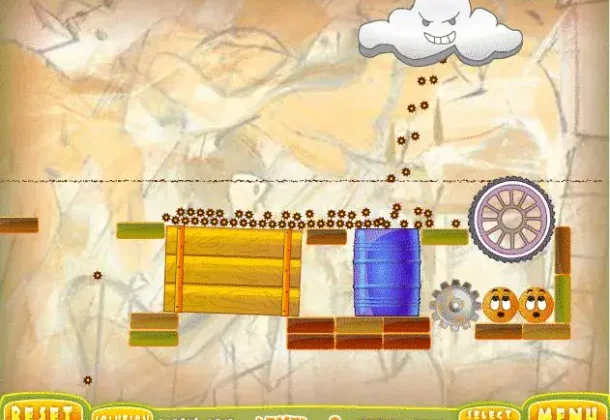 Cover Orange
 Air Hockey HTML5
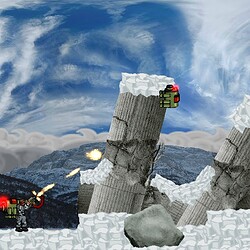 Intrusion
 Wheely
 Kaboomz 4
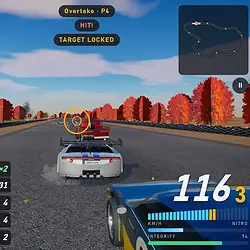 NewSpeed Ravage
 Red Ball 4
 Deadly Parkour
 Gem Drop
 Captain Claw
 Kaboomz 2
 Bob the Robber 1
 Bouncing Babies
 Caveman 1
 NewTank Stars
 MS Bubbles 1
 NewBlack Soldier of Rome
 Money Movers 3
 Fruit Ninja
 Fragger 2: Lost City
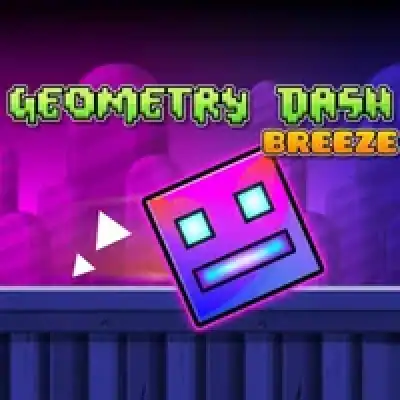
Geometry Dash Breeze
- Released:
- 2023
- Technology:
- HTML5
- Platforms:
- Browser (desktop, mobile)
- Developer:
- Andrexel, ItzZyann, and Eplecentraa
- Players:
- 1
- Age:
- 7+
- Controls:
- Mouse or keyboard
About Geometry Dash Breeze
Geometry Dash Breeze is a fan-made browser game inspired by the original RobTop series.
It carries a lighter, wind-themed aesthetic with softer color palettes and a gentler
difficulty curve than the official standalones, making it a good starting point for
players new to GD-style platformers.
Gameplay follows the same core rules: tap or click to jump in cube form, hold to fly in
ship sections, and stay in rhythm with the soundtrack to avoid obstacles. There is no
official level editor or in-game account system — levels are pre-built and play
automatically from start to finish.
Controls & How to Play
Controls
- Space / Click / Tap: Jump (cube) or activate (other forms)
- Hold: Fly up in ship form
- Release: Descend in ship form
- Esc: Pause and return to menu
Geometry Dash Breeze was added in Platformer games.
Geometry Dash Breeze – questions & answers
How many levels are there in Geometry Dash Breeze?
What is the hardest level in Geometry Dash Breeze?
Are there any hidden items or collectibles in Geometry Dash Breeze?
What are some of the unique gameplay mechanics in Geometry Dash Breeze?
What is the difference between Normal Mode and Practice Mode?
Who developed Geometry Dash Breeze?
What inspired the creation of Geometry Dash Breeze?
How can I play Geometry Dash Breeze online?
What are the controls of Geometry Dash Breeze?
Which games are similar to Geometry Dash Breeze?
Walkthroughs, guides and cheats for Geometry Dash Breeze on GameFAQs
Related games
 NewGeometry Dash MeltdownNewGeometry Dash Mr DubstepNewGeometry Dash RemasteredNewGeometry Dash ScratchNewGeometry Dash World
 NewGeometry Dash SubzeroNewGeometry Jumpמסלול גולותכדור אדום 1כדור אדום 2 המלךדודל ג’אמפמועדון ביליארד
 Iron HorseBurrito Bison RevengeAir Hockey HTML5
 NewApple Knight
 Lion King 1
 Rygar
 Ultimate SpidermanCrossy Road
 Prince of Persia Special Edition
 NewSlope Spooky
 Cosmos Cosmic Adventure
 Sky Serpents
 Dyna Gear
 Papa Louie Snow Adventure 2
 Street Fighter Zero 2 Alpha
 Commander Keen 3.5
 Earthworm Jim 1
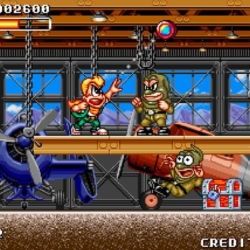 Spin Master
 Dave Dangerous 1
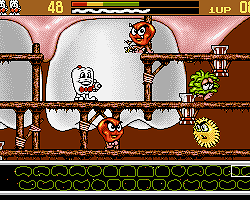 Harald HardTooth Agent of Colgate
 NewMiss Hot Mess Show!
 Shinobi Iii Return Of The Ninja Master
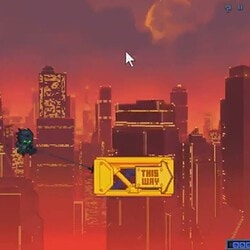 NewFinal Ninja
Write a comment